
On this page
Quick answer: where should the Wi-Fi router go?
Place the router near the center of the area it must serve, elevated on an open shelf and away from metal cabinets, thick structural walls, microwaves, water, direct heat and closed furniture. In common Vastu discussion, North-West, West or a suitable central service position may be considered, but signal quality and electrical safety should decide the exact spot.
A router hidden in the correct compass zone may perform worse than one in a slightly different direction with open line of sight. Avoid the floor, bedside table, damp kitchen cabinet and inaccessible top shelf. Keep cables tidy and leave enough air around the device.
Router direction in practical Vastu
North-West and West
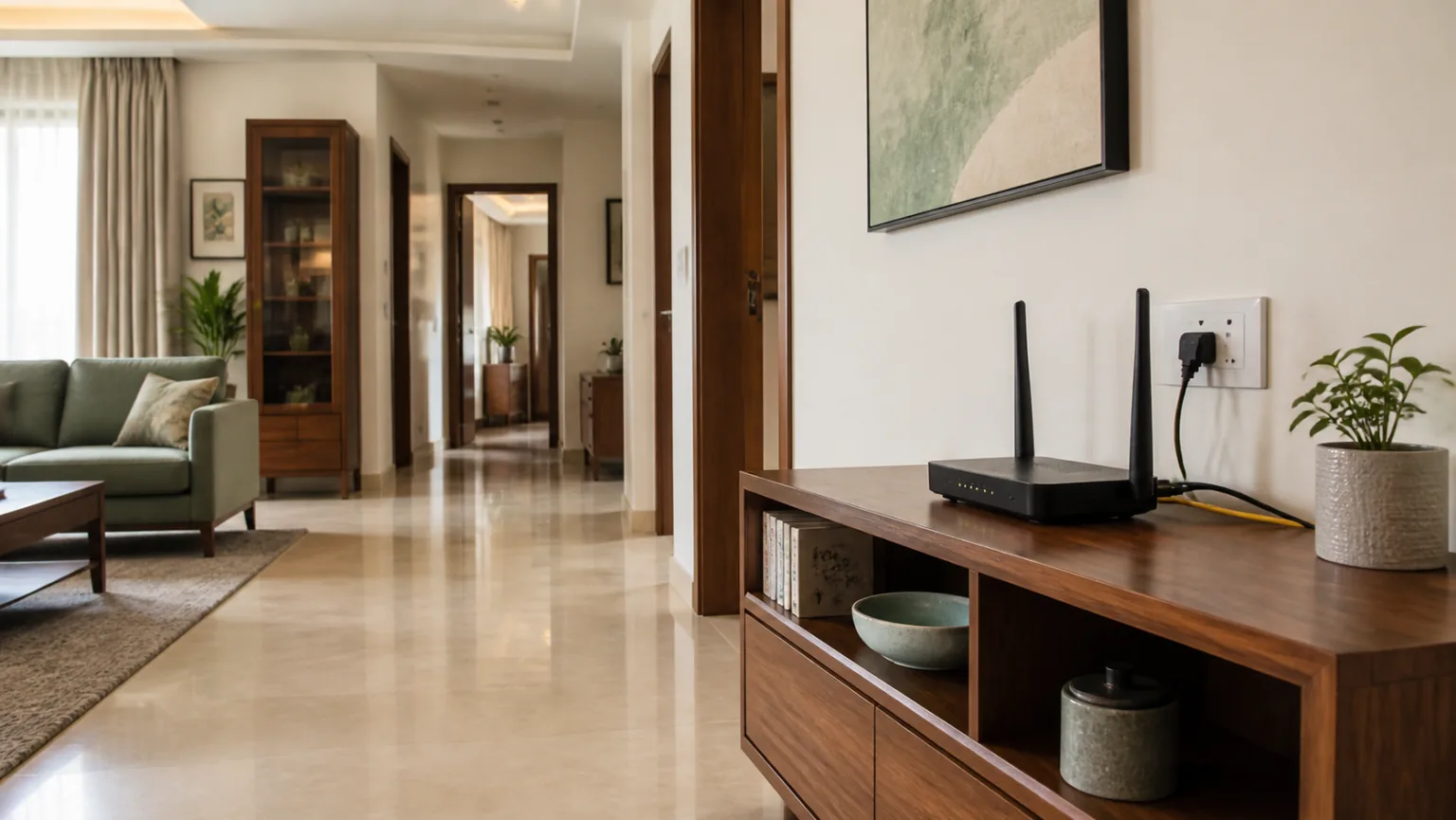
North-West is often associated with movement and communication, making it a common symbolic preference for networking equipment. West can also work when the position serves the full home. In a flat, this might be a passage console, living-room shelf or home-office wall near the center of the plan.
North and East
North or East may suit an open shelf when the router does not crowd a calm prayer corner or block windows. Do not expose electronics to direct morning sun, rain or plant-watering spills. Direction is secondary to safe placement.
South-East and electrical equipment
South-East is traditionally associated with fire and electrical functions. A router may operate there, but it should not sit beside a hot appliance, stove or microwave. Electronics need moderate temperature and ventilation rather than symbolic grouping with every electrical item.
North-East and the center
Many households prefer the North-East to remain visually light. Avoid creating a tangled equipment station there. The geometric center of a home may provide good coverage, but do not put hardware in the middle of a walkway. Choose a nearby open wall or console.
How Wi-Fi signal behaves inside a home
Wi-Fi travels through open space more easily than through concrete, reinforced walls, mirrors, metal cupboards and water-filled objects. A router at one edge of a large apartment must push signal through more obstacles. Central placement shortens the average distance to bedrooms, the living room and work areas.
Higher placement often reduces obstruction from sofas and cabinets, but extreme height is inconvenient and may not improve coverage. Waist to head height is a sensible starting range. Antenna recommendations vary by router model, so follow the manufacturer’s instructions instead of assuming every antenna must point the same way.
Interference and heat
Keep reasonable distance from microwave ovens, cordless equipment, large speakers and densely packed electronics. Do not stack the router on a set-top box or amplifier because combined heat can shorten equipment life. Ventilation slots must remain uncovered.
Internet speed versus Wi-Fi coverage
A fast plan cannot fix poor wireless placement, while perfect router placement cannot improve a slow incoming connection. Test a wired connection near the router first, then test Wi-Fi in several rooms. This distinguishes service-provider problems from coverage problems.
Room-by-room router placement
Living room
The living room is often central and has an available socket. Use an open shelf rather than enclosing the router inside the TV cabinet. Leave space from the television and speakers, and ensure indicator lights are not visually distracting. Coordinate furniture with the Living Room Vastu guide.
Home office
A home office is convenient for the primary router when the broadband entry is nearby. Keep it off the desk if it crowds work or tangles cables. Important computers may use Ethernet for stability. Review the Home Office Vastu guide and desk wall-versus-window guide before planning the whole workstation.
Bedroom
A bedroom router may be necessary in a studio or small rental, but avoid the bedside table and headboard zone. Use an open shelf away from the bed and dim or cover distracting status lights without blocking ventilation. If practical, place the main router outside the sleeping room and extend coverage another way. See Bedroom Vastu for calmer device and charging arrangements.
Study room and children’s room
Reliable connectivity helps study, but keep hardware and loose cables away from children. An Ethernet outlet or mesh node may provide coverage without placing the main router on the study table. The Study Room Vastu guide covers desk, lighting and storage.
Kitchen and balcony
Avoid active cooking zones, steam, grease, sink splashes and the microwave. A balcony exposes equipment to heat, humidity, dust and rain and is usually unsuitable unless the device is purpose-designed and professionally installed for outdoor conditions.
Router placement comparison
| Location | Advantages | Risks | Verdict |
|---|---|---|---|
| Central open shelf | Balanced coverage and ventilation | Needs nearby power and neat cables | Best starting point |
| Living-room TV unit | Power and broadband often nearby | Electronics, metal and closed cabinets | Use an open separated shelf |
| Home office | Easy wired connection | May be at one end of the flat | Good if coverage reaches all rooms |
| Bedroom | Useful for studio flats | Lights, cables and sleep-zone clutter | Use only when necessary |
| Floor | Easy installation | Blocked signal, dust and damage | Avoid |
| Closed cupboard | Hides equipment | Heat and reduced signal | Avoid |
Mesh Wi-Fi and extenders in long apartments
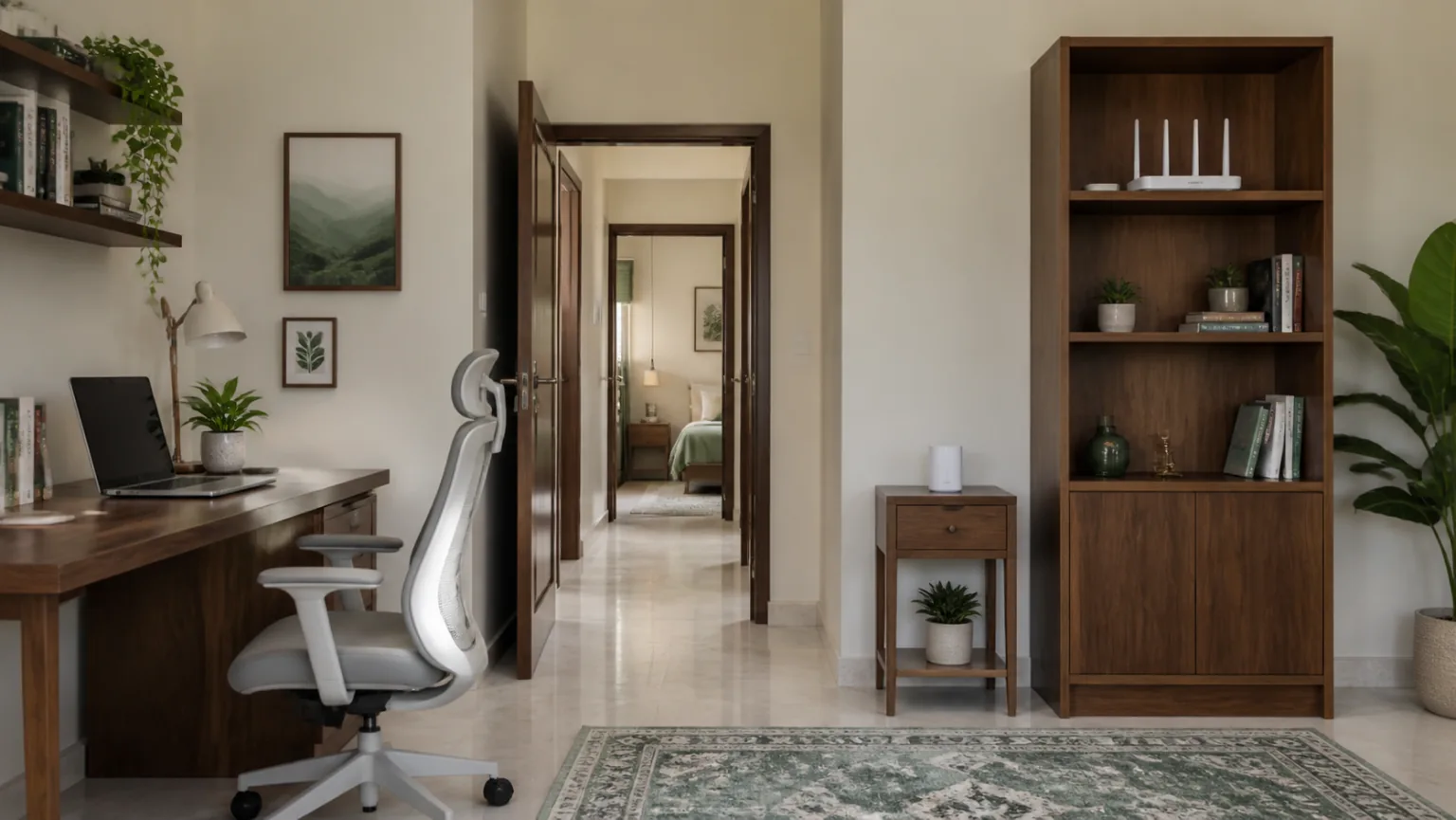
A mesh system can help a long 3BHK, duplex or concrete-walled home. Place the secondary node between the main router and weak room—not inside the dead zone. It needs a usable signal from the primary node to relay effectively.
Keep each node open, elevated and away from metal storage. A corridor side table or open bookshelf can work if the device remains secure. Wired backhaul may improve stability where cabling is possible. Avoid buying many extenders before testing because poorly positioned repeaters can create confusing networks and lower speed.
Power, cables and device safety
Use a sound wall socket and the supplied power adapter. Do not overload one extension board with the router, television, amplifier, gaming console and multiple chargers. Leave cable loops relaxed rather than sharply bent, and prevent cords from crossing the floor.
During thunderstorms or electrical instability, follow the equipment and service provider’s safety advice. A quality surge-protection strategy may be appropriate, but electrical work should be handled by a qualified professional. Our Electrical Switchboard Vastu guide combines placement with practical safety.
Keep login credentials secure, update router firmware and use a strong Wi-Fi password. Digital security is as important as physical placement. Do not display passwords beside the device where visitors can see them.
Practical examples for Indian homes
Compact 1BHK
The router sits on an open living-room shelf near the center, serving bedroom and work corner without entering the sleep zone.
Long 3BHK flat
The main router remains near the living room, while one mesh node sits halfway down the bedroom corridor.
Home-office user
The work computer uses Ethernet; the elevated router remains ventilated and distributes wireless coverage to family rooms.
Rental apartment
A freestanding console and adhesive cable clips avoid drilling. Several positions are speed-tested before final placement.
Duplex house
One router per floor or a planned mesh system prevents the staircase slab from becoming a major signal barrier.
Studio bedroom
The router stays away from the bed on an open entrance-side shelf, with indicator brightness reduced where supported.
12 common router-placement mistakes
- Hiding the router inside a closed cabinet.
- Keeping it on the floor behind a sofa.
- Placing it beside a microwave or large appliance.
- Stacking it on hot entertainment equipment.
- Putting it at one extreme end of a large home.
- Mounting it too high to service safely.
- Allowing cables to cross a doorway.
- Keeping it beside water, plants or damp walls.
- Using a bedroom bedside table by default.
- Putting a mesh node inside the dead zone.
- Confusing slow broadband with weak Wi-Fi.
- Ignoring firmware and password security.
No-renovation improvements
Move the router into the open and raise it from the floor. Shift it away from metal cabinets and large electronics. Rotate or position antennas according to the manufacturer’s guide. Use adhesive clips to tidy cables and test the connection after each change.
If one room remains weak, test a mesh node between that room and the router. Do not add cluttering symbolic objects around the device; they can obstruct ventilation. For general low-disruption home improvements, see Vastu remedies without demolition and the decluttering guide.
Router placement checklist
- The router is near the center of the required coverage area.
- It stands on an open, stable shelf.
- Ventilation slots remain uncovered.
- Thick walls and metal cabinets do not surround it.
- It stays away from heat, steam and water.
- Power and data cables are secure and tidy.
- The location is accessible for restart and maintenance.
- Bedroom placement is avoided when another location works.
- Mesh nodes sit between router and weak rooms.
- Firmware and passwords are maintained securely.
Frequently asked questions
Which direction is best for a Wi-Fi router as per Vastu?
North-West, West or a central open zone may be considered when practical, but reliable coverage, ventilation and electrical safety should determine the final location.
Where should a Wi-Fi router be placed for the best signal?
Place it near the centre of the coverage area, elevated on an open shelf and away from thick walls, metal cabinets, large appliances and enclosed cupboards.
Can a Wi-Fi router be kept in the bedroom?
It can, but another ventilated location outside the sleeping zone is usually preferable when coverage allows. Avoid keeping it on the bedside table or near the pillow.
Can a router be kept inside a cabinet?
Avoid a closed cabinet because it traps heat and weakens signal. Use an open shelf with clear space around the device.
Should a Wi-Fi router be placed high or low?
Waist to head height is often effective. Avoid the floor, where furniture and clutter obstruct signal, and avoid unsafe high shelves that are difficult to service.
Can a router be placed near a television?
It can be nearby, but leave space from the television, speakers, metal surfaces and tangled cables. Test performance before fixing the position.
Is it safe to keep a router near the kitchen?
Keep it away from heat, steam, water and the microwave. A dry open shelf outside the active cooking zone is better.
Where should a mesh Wi-Fi node be placed?
Place it between the main router and weak-signal room, not inside the dead zone. Keep it visible, elevated and away from metal obstacles.
Should I switch off Wi-Fi at night?
It is optional. A timer may support household screen routines, but connected security or smart devices may require continuous service.
How can renters improve router placement without drilling?
Use a freestanding console, adhesive cable clips and a tabletop mesh node. Test several open positions before choosing one.
Conclusion
Wi-Fi router Vastu works best when direction supports real function. North-West or West may suit some homes, but central coverage, open ventilation and safe electrical access matter more than forcing a compass rule. Keep the device elevated, dry and away from major obstacles.
Test before permanently arranging furniture, and use mesh only where measurements show a need. Continue with the Home Vastu guide or browse the complete VastuEssentials blog.