
On this page
Quick answer: wall, window or side window?
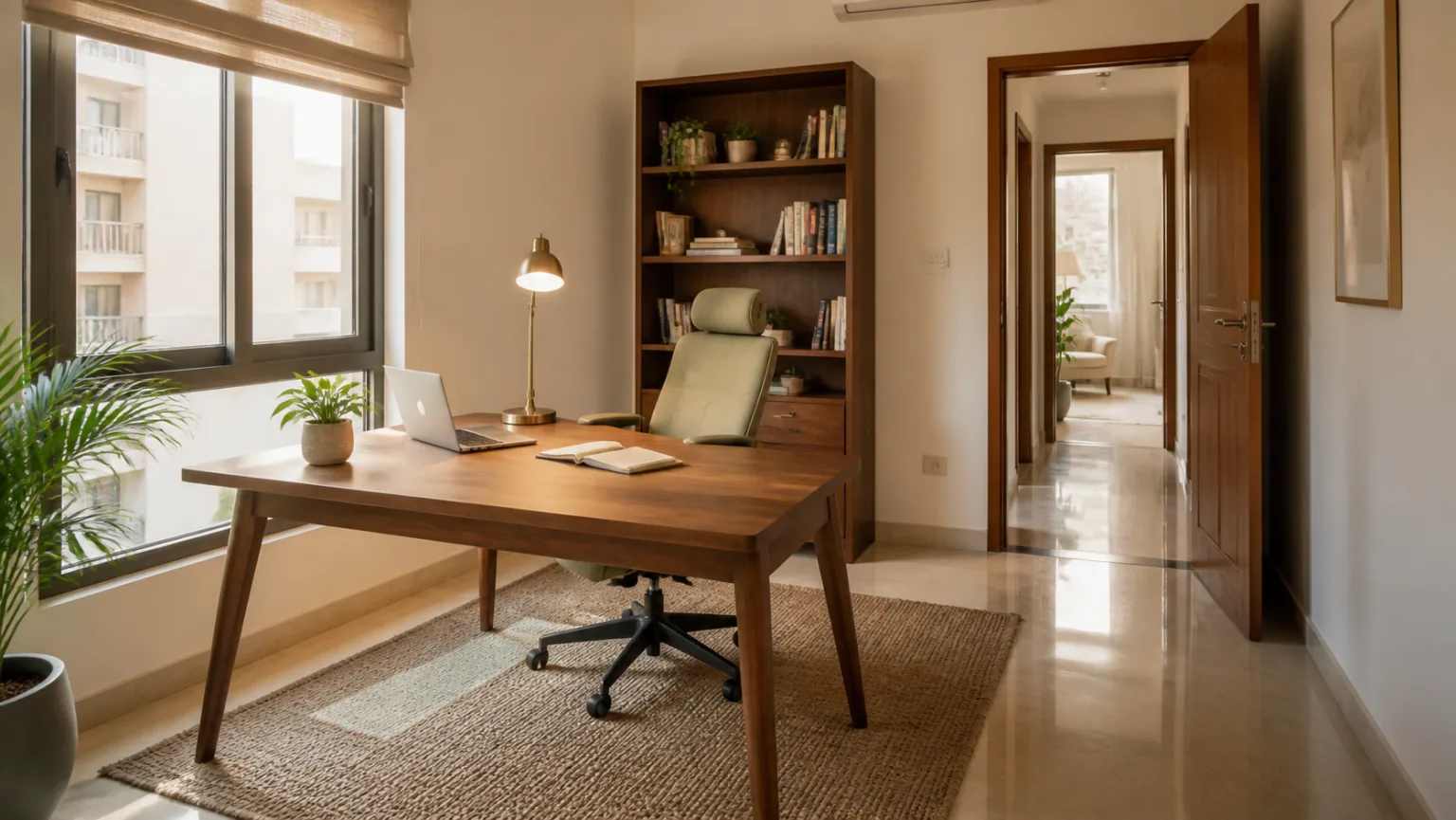
For most computer-based home offices, placing the window to the side of the desk is the easiest arrangement. It gives useful daylight while reducing direct glare on the monitor. If the desk must face a wall, leave comfortable visual distance and keep the wall simple. If the desk must face a window, use blinds and position the screen so strong daylight does not sit directly behind it.
From a traditional Vastu perspective, many people prefer to face East or North while working. That preference can be considered after confirming the real directions and checking whether the resulting layout is comfortable. A desk that technically faces East but blocks a doorway or creates severe glare is not a practical improvement.
Check the direction before moving the desk
Do not assume the wall nearest the sunrise is always East. Apartment corridors, angled buildings and window views can be misleading. Use a calibrated phone compass, a traditional compass or an architectural plan. Take several readings away from metal cabinets, speakers and electrical equipment. Our detailed guide to checking directions correctly explains how to compare phone readings with a building plan.
Mark North on a simple room sketch. Add the door, windows, sockets, air conditioner and fixed cabinets. Then test possible desk positions. This process prevents a common mistake: rotating the desk to a preferred direction and only later discovering that the chair blocks the cupboard or the laptop cable crosses the floor.
Traditional direction preference
East-facing work is often associated with alertness and a fresh start, while North-facing work is commonly chosen for concentration and business activity. These are cultural planning preferences, not guarantees of career success. The quality of the chair, desk height, light, noise level and work routine has a direct influence on daily comfort and output.
When the desk faces a wall
A wall-facing desk can be excellent in a small flat. It reduces visual movement and can help someone who is easily distracted. The problem appears when the monitor is pushed into a dark corner or the user sits extremely close to a blank surface. Leave enough desk depth, use a soft wall colour and provide layered lighting.
One calm landscape, a small planning board or a narrow shelf can make the wall purposeful. Avoid filling the eye line with many certificates, reminders and hanging cables. For colour choices, use the practical palettes in our study-room colour guide.
Advantages of facing a wall
- Fewer moving distractions during focused work.
- Easy access to sockets and wall-mounted cable management.
- Useful in bedrooms, passage niches and compact 1BHK flats.
- A solid background can support a calm, dedicated work zone.
Possible drawbacks
- The setup can feel cramped when the desk is too shallow.
- Poor lighting may create eye strain and screen reflections.
- Shelves directly above the head can feel heavy and create safety concerns.
- The worker may not see someone entering the room.
When the desk faces a window
A window view can make a home office feel larger and more pleasant. It may suit reading, drawing and short creative sessions. Computer work is more demanding because changing daylight affects the screen. Strong light behind the monitor makes the eyes repeatedly adjust between a dark display and a bright exterior.
If facing the window is unavoidable, use a blind that diffuses rather than completely blocks light. Keep the monitor slightly below eye level and away from the brightest section of glass. A laptop riser and external keyboard can help. Review the window’s heat and ventilation role using our Windows Vastu guide.
When a window-facing desk works well
It can suit a shaded North window, a deep balcony setback or a room with adjustable curtains. It also works when the primary task is handwriting rather than screen use. Preserve enough space to open and clean the window, and never trap the desk against a low window that children can reach unsafely.
Sitting with your back to the window
This position can produce glare on the screen and an overexposed background during video calls. If the room allows no alternative, use curtains, rotate the monitor a few degrees and add a soft light in front of the user. Keep a comfortable gap between the chair and window so curtains remain usable.
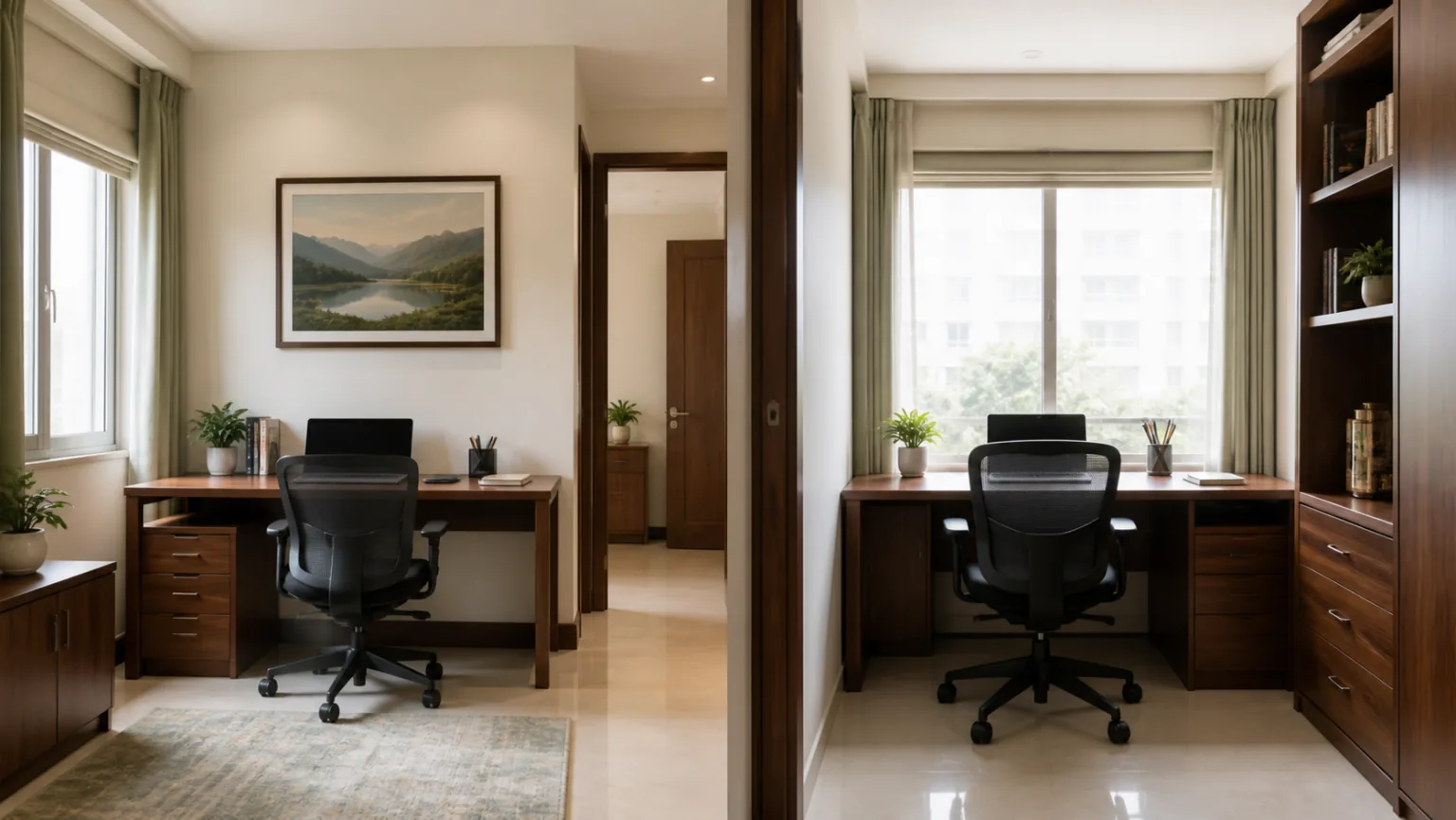
Desk facing wall vs window: practical comparison
| Factor | Facing a wall | Facing a window | Side window |
|---|---|---|---|
| Focus | Usually fewer distractions | Outdoor movement may distract | Balanced for most users |
| Daylight | Needs side or artificial light | Abundant but can be harsh | Useful, easier to control |
| Screen glare | Depends on rear lighting | High contrast behind screen | Usually lowest when shaded |
| Video calls | Wall can form a neat background | Room may appear behind user | Easy to create even face lighting |
| Small rooms | Space-efficient | May block window access | Works if circulation remains clear |
| Vastu direction | Can face East or North depending on wall | Depends on window orientation | Allows more directional flexibility |
What should be behind the work chair?
A clean solid wall is often the simplest background. It provides visual stability and avoids strong backlight. If a bookshelf is behind the chair, anchor it securely and keep doors or drawers from opening into the seating area. Current reference books can remain nearby, while old files should be archived. See the bookshelf and home-library guide for safe storage order.
A door immediately behind the chair can be distracting in a shared home. Move the desk slightly so the door is visible from the side, or use a quiet visual boundary such as a plant or low cabinet without narrowing the path. Do not place a tall partition where it blocks ventilation.
Real-life layout examples for Indian homes
1BHK bedroom office
A shallow desk faces a calm North wall. The window stays to the left, and work files close inside one drawer after office hours.
Living-room work corner
The desk faces East beside a balcony window. A slim screen separates video calls without blocking the family’s walking route.
Dedicated study room
The desk sits perpendicular to the window. Books remain behind the chair, and the door is visible without being directly in front.
North-window apartment
The user faces the shaded window for reading, but places the monitor at a slight angle and uses a roller blind for afternoon brightness.
Shared couple’s office
Two desks face the same wall with side daylight. Separate task lamps and cable trays prevent one person’s setup from disturbing the other.
Rental-home niche
A freestanding desk uses an existing socket and plug-in lamp. No drilling is needed, and removable cable clips keep the floor clear.
For a full room checklist, continue with the main Home Office Vastu guide. Students can also compare the desk with the Study Room Vastu guide.
Lighting, AC and cable planning
Use three layers where possible: general ceiling light, daylight and a focused desk lamp. Right-handed users often prefer task light from the left, while left-handed users may reverse it to reduce hand shadows. Avoid bare bulbs in the monitor’s reflection.
Do not place the chair directly under a strong air-conditioner draft. Airflow can dry the eyes and make long work sessions uncomfortable. The AC placement Vastu guide explains airflow and practical positioning for home rooms.
Keep charging cables away from the chair wheels and doorway. A cable tray under the desk, labelled power strip and one accessible charging point reduce daily clutter. Avoid overloading adapters; electrical safety is more important than hiding every wire.
12 common home-office desk mistakes
- Choosing direction before measuring the room.
- Placing the monitor against an extremely bright window.
- Blocking the doorway with the chair.
- Sitting directly under a heavy shelf.
- Using a chair that cannot move freely.
- Allowing cables to cross the walking path.
- Facing a dark wall without task lighting.
- Keeping work clutter visible from the bed.
- Placing the AC draft directly over the head.
- Ignoring window heat during summer afternoons.
- Using the desk as long-term storage.
- Assuming one compass reading is always accurate.
No-renovation fixes for a difficult desk position
Start with the least disruptive improvement. Rotate the monitor rather than the entire desk. Add a blind, task lamp or anti-glare screen. Move the chair a few centimetres away from the door path. Use removable cable clips and reduce items on the desktop. These small changes can transform comfort without construction.
If the desk faces a wall, use one calm focal point and keep the desktop depth clear. If it faces a window, diffuse daylight and avoid placing the screen in the brightest line of sight. If the desk direction cannot change, focus on posture, lighting and organisation rather than treating the room as defective. More low-disruption ideas are available in Vastu remedies without demolition and our decluttering guide.
Home-office desk checklist
- North is verified with more than one reading.
- The user can face East or North without forcing the layout.
- The window is beside the desk or has glare control.
- The door opens fully and the route remains clear.
- The chair has safe movement and lumbar support.
- The screen sits at a comfortable height and distance.
- Task lighting does not reflect on the monitor.
- AC airflow does not hit the face directly.
- Bookshelves and overhead storage are secure.
- Cables remain away from feet and chair wheels.
Frequently asked questions
Should a home office desk face a wall or window?
A side window is usually the most practical arrangement because it provides daylight without direct glare. Facing a wall can also work when the wall is visually calm and the chair has enough clearance.
Which direction should I face while working from home?
Many Vastu traditions prefer facing East or North for focused work. Use the direction only when the position also supports comfortable seating, good light and a clear route.
Is it bad to sit with my back to a window?
It is not automatically bad, but strong backlight can cause screen glare and video-call exposure problems. Curtains, blinds and a small gap behind the chair can improve the setup.
Can my desk face a blank wall?
Yes. Keep sufficient viewing distance and use one calm artwork, a pinboard or a shallow shelf so the wall feels purposeful rather than cramped.
Can a desk be placed directly in front of a window?
It can, but control glare, heat and visual distraction. A side-on position is often easier for computer work while still providing natural light.
Where should the office door be relative to the desk?
The door should remain visible if practical, but the chair and desk must not sit in the door swing or block the main walking path.
Which wall is best behind a work chair?
A clean, solid wall can create a stable background and improve video calls. Avoid a wall with dampness, heavy projections or frequently used cabinets directly behind the chair.
How can I improve a desk in the wrong direction without moving it?
Improve lighting, reduce clutter, manage cables, use blinds, keep the route clear and adjust the chair and screen ergonomically. These changes often matter more than a difficult furniture move.
Where should books and files be kept in a home office?
Keep current references beside the desk and heavier storage on a stable, anchored wall. Archive old files separately so the work surface stays clear.
Can a home office be set up in a bedroom?
Yes, especially in a small flat. Use a compact desk, close work materials after office hours and avoid placing heavy storage directly over the bed.
Conclusion
A desk does not have to face a window to feel open, and it does not have to avoid a wall to support good work. For most Indian apartments, a side window gives the best balance of daylight and screen comfort. Facing East or North can be considered where the layout remains practical, but circulation, glare control, ergonomics and electrical safety come first.
Use the room you actually have. Test the chair, open every door, observe daylight at different hours and make the smallest effective changes. Explore more planning ideas in the Home Vastu guide or browse the complete VastuEssentials blog.